Restaurant Menu Card Design Ideas start with the person holding the card, not with a decoration. A guest at a table may look twice. Someone at a takeaway counter looks once. The layout has to show the section, the dish name and the price before attention moves on. This article is about that reading order.
It is not a buying guide. Paper, print method, finishing and quantity belong on the quotation, not here. The pictures are illustrative concepts, not photographs of Axis Packaging stock, and the words on them are examples rather than a print proof.
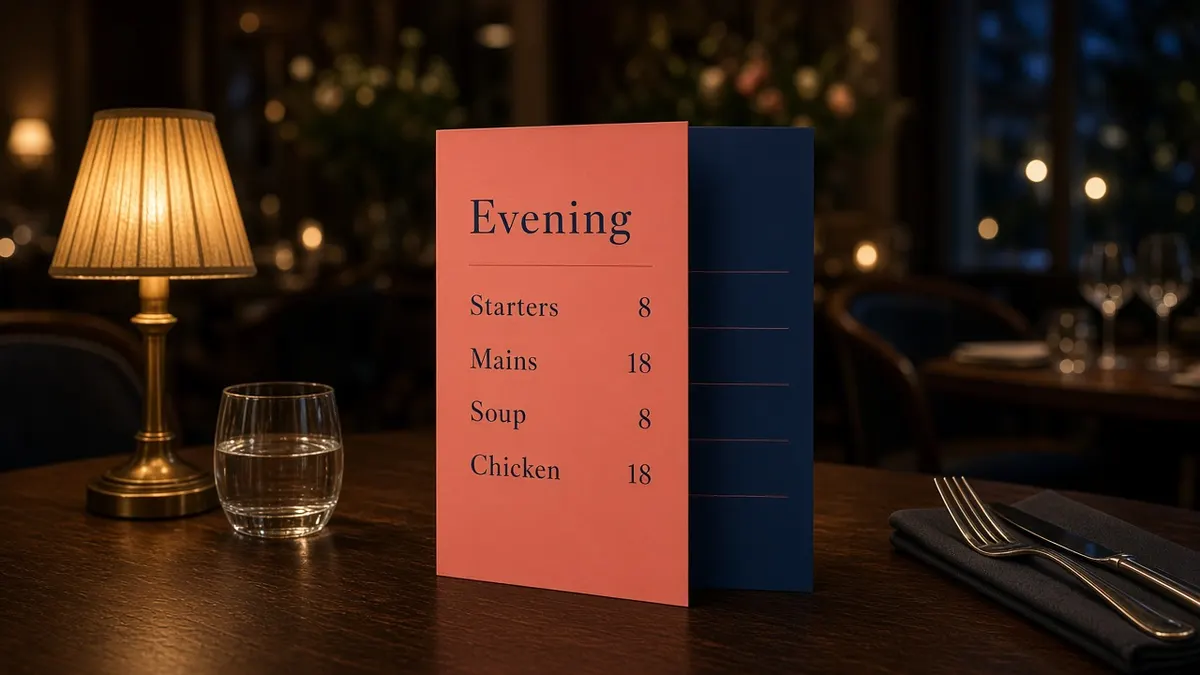
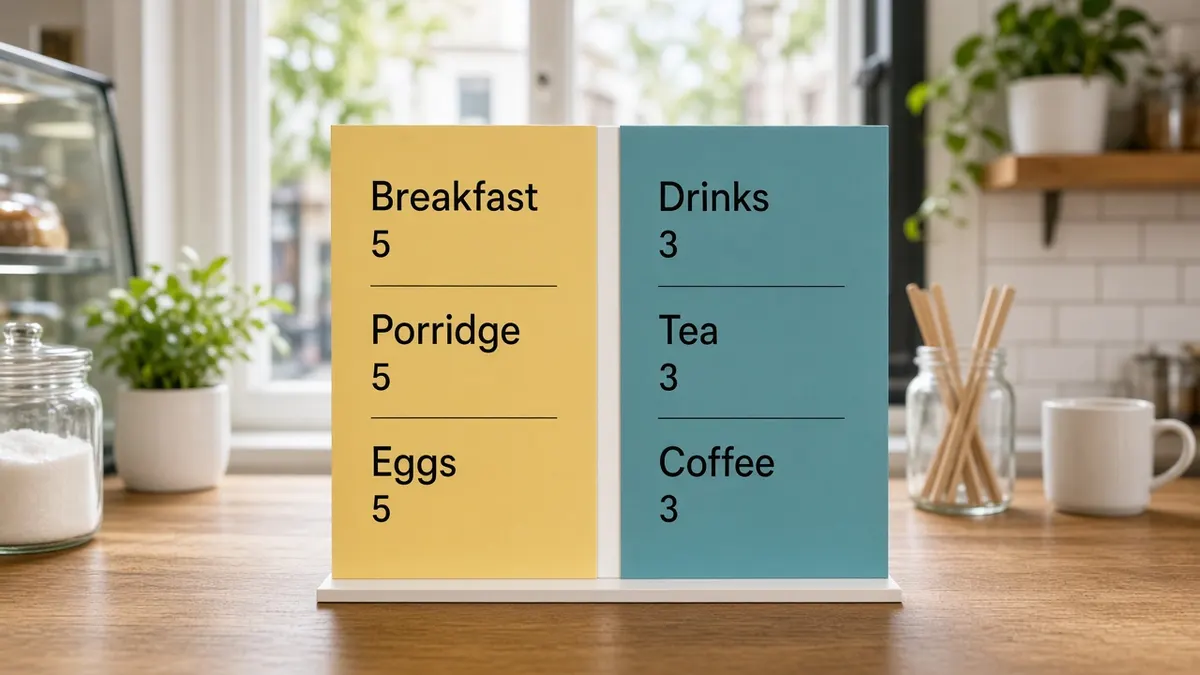
A coral and navy card suits a dining room where the menu stays open. A yellow and teal card suits a café counter where breakfast and drinks are read side by side. Axis Packaging supplies printed menu cards from Leeds. The size and the print are confirmed when you ask, not in these tips.
Restaurant Menu Card Design Ideas for the table
A dining-room card stays in one place for the meal. People return to it between courses. A leaflet at the door is read once and then folded away. Design for the second look as well as the first. If mains are hard to find after starters, the sections are in the wrong order.
1. Put the section a guest scans first at the top
Follow the order people ask in, not the order the kitchen prefers. Starters, then mains, then pudding is familiar in a dining room because that is how the meal runs. A café that serves breakfast until noon should not hide breakfast under an evening list.
On an upright card the first section is usually at the top. On a folded leaflet it is the outside panel, because that is what people see before they open it. Do not spend that space on a long welcome. A name and one short line are enough. The dishes are why the card exists.
2. Keep each dish name and its price on one line
Guests match a name to a price. If the price drops to the next line, or sits in a block at the foot of the section, they have to jump. Put the name on the left and the price on the right of the same line, with a clear gap so the two never collide.
Use the words a guest would use for the dish. A house name is fine when a few words beside it say what arrives. Do not let the description grow longer than the name. Two lines under every dish push the next section down and make the card feel crowded. If a dish needs that much type, the list may be too long for this card.
3. Use colour to separate courses, not to decorate every word
Colour is working when it marks a section, a panel or a rule. It stops working when the dish names, the prices and the background all compete. Choose a dark colour for the words people must read and a lighter field behind them, or the reverse, and then stop. A second colour can mark headings. A third colour is rarely needed for the words themselves.
The W3C Web Accessibility Initiative explains contrast in its note on minimum contrast. For web text it asks for a contrast ratio of at least 4.5:1 for ordinary text, and at least 3:1 for large text. A printed menu is not a web page, so that ratio is not a pass mark for your card. It is a useful warning: if the heading colour and the paper are close, read the card in the room where it will be used, including under warm lamps.
Pale type on a photograph is a common failure. So is a bright colour used for every price. The coral and navy example keeps the words in navy on a coral field so the list stays readable. Those colours are an illustration, not a palette you have to copy. Test your own pair in the dining room before you treat it as final.
4. Leave a quiet margin so a fold does not hide type
A fold is a hinge, not a place for a word. Type that sits in the crease is harder to read, and it can crack when the card is opened and closed. Leave a quiet band along the fold and along the outer edges. This article does not set a measurement. The band needs to be wide enough that a dish name still reads if the card is not opened perfectly flat.
The same quiet space helps a card that lives in a holder. Holders cover the bottom or one side. Put the last price above that cover. If you already own the holder, sketch the card inside it before you approve the layout. An edge-to-edge design fails when the holder hides the price.
5. Design the table card and the takeaway leaflet as two layouts
A table card can stay open and can be larger. A takeaway leaflet has to make sense when it is half folded and when it is carried in a pocket. Do not shrink the table layout until it fits the leaflet. Rebuild it. The outside should say what the leaflet is and which meal it covers. The inside should keep the same section order, with fewer words.
The food that leaves with the guest is a different object. Custom takeaway packaging is about the carton, the tray and the bag. Custom restaurant menu cards are the printed menu. Keep those briefs apart so a fold on a leaflet is not confused with a lid on a box.
If both pieces share a colour and a name, a guest can tell they came from the same place. They should not share a type size. The table card is read at arm's length. The leaflet may be read in poorer light, on the way home. Give the leaflet the larger type if you have to choose.
6. Set the type before the decoration
The dish name and the price should be the clearest words on their line. A logo can be smaller. A script that looks elegant as a heading often fails for a list of twenty dishes. Use one face for names and prices. Add a second face only if the headings need it. Avoid italics for long lines. They slow reading.
GOV.UK publishes a type scale that was tested and iterated for readability on screens. It is not a point size for a restaurant card, and it does not tell you which face to print. The useful lesson is to choose sizes for the place where the words are read, then try them.
Print a plain page at the finished size, or hold a proof at arm's length in the dining room and again at the counter. If you have to lean in to read a price, the type is too small for that job. Borders, illustrations and a large logo come after that test, not before.
7. Give drinks their own panel
Wine, soft drinks and hot drinks are scanned differently from mains. A guest looking for a glass of wine should not hunt through the fish. Give drinks a panel, a column or a second card. On a café card, breakfast and drinks can sit side by side. That split is what the centre picture shows. The colours are an example, not a house style.
Cups are a separate design. Cup design packing covers the printed cup, not the drinks list. Share a colour if you want the menu and the cup to look related. Do not paste the cup artwork onto the menu and expect both to read well. The menu still needs its own type size.
8. Leave a specials area that can change
A soup, a guest beer or a lunch plate that changes weekly should not force a new design of the whole card. Leave a box, a band or a blank panel with a heading such as Today. Staff can write in it, or you can drop in a small printed note. The rest of the card stays put.
Vinyl stickers and labels are one way to refresh that note when you want it printed rather than handwritten. They are not a substitute for the menu. Use them for the line that changes, and keep the standing list in the main layout.
Say how often the special changes before you draw the space. A daily change needs a larger, simpler area. A monthly change can live in a smaller panel. Do not tuck the special into a footnote. If it is worth selling, it is worth a place the eye finds without a search.
9. Match the layout to how guests use the menu
Watch one service before you lock the design. Note whether people are handed the card, take it from a pile, or read a board behind the till. A card that is handed over can open on the section you want. A pile on the counter is often read from the top panel only. A board is read from further away, so it needs fewer words and a larger name.
Restaurant packaging covers packs for the meal itself. Use that page when the question is the food leaving the kitchen. Use this article when the question is what the guest reads first. The two jobs can share a name and a colour. They should not share a layout.
A layout the next person can follow
Write the decisions in a few lines: who reads the card, which section comes first, where the price sits, which colour is for words, and whether drinks are separate. The next person who updates the menu should be able to follow that note. A layout that lives only in one head is hard to repeat without drifting.
Ask for the card to be quoted from that note. Name the format in plain words, such as a single sheet for the table or a folded leaflet for the door, and attach the dish list. Axis Packaging will confirm the size and the print on the quotation. This article does not set a price, a minimum or a date, and it does not claim that a clearer menu will bring a set number of extra covers.